
Listen
Every line in time with your media. Tap to seek, loop a line, slow it down, and read the translation and IPA when you need them.
Free & open source
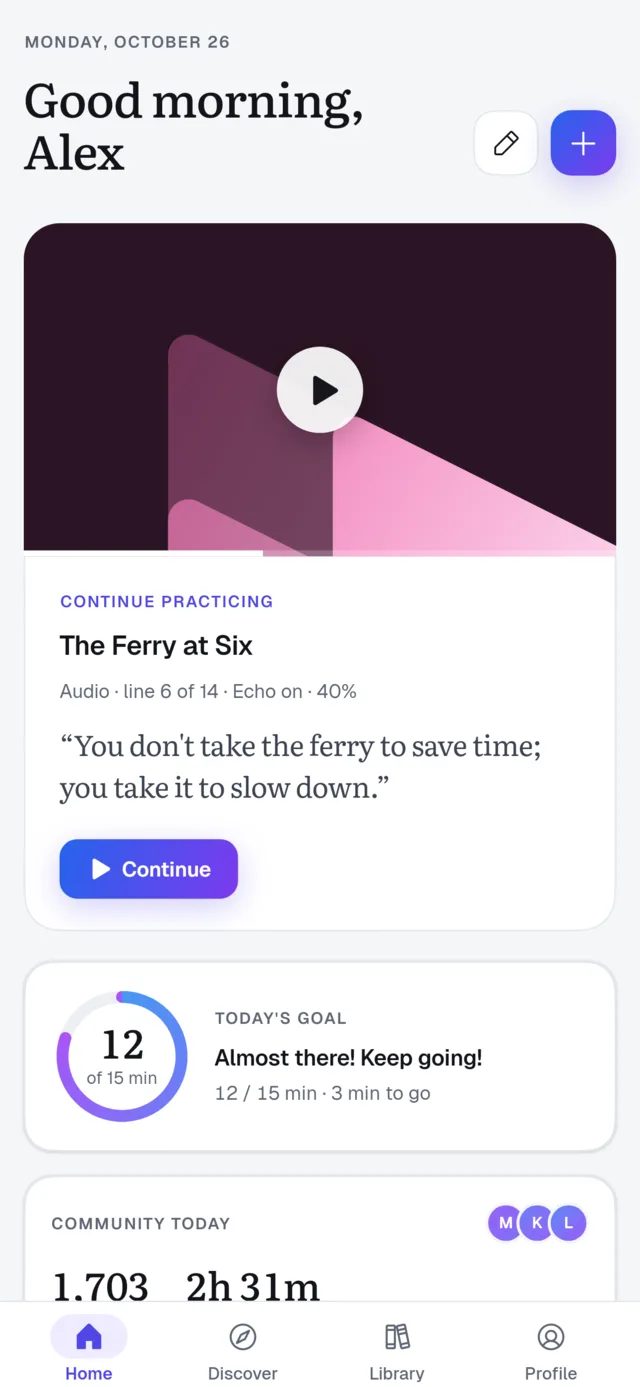
Open your own videos and audio, or paste a YouTube link. Follow every line, say it back, get scored — and keep the words you looked up.
Free plan, no card needed. Open source under AGPL-3.0.
Enable JavaScript to get direct download links, or visit the latest release.
The practice loop
Listen until you hear every word, say it back until it sounds right, then hide the text and test your ears. Switch any time — the line stays where you are.
Every line in time with your media. Tap to seek, loop a line, slow it down, and read the translation and IPA when you need them.
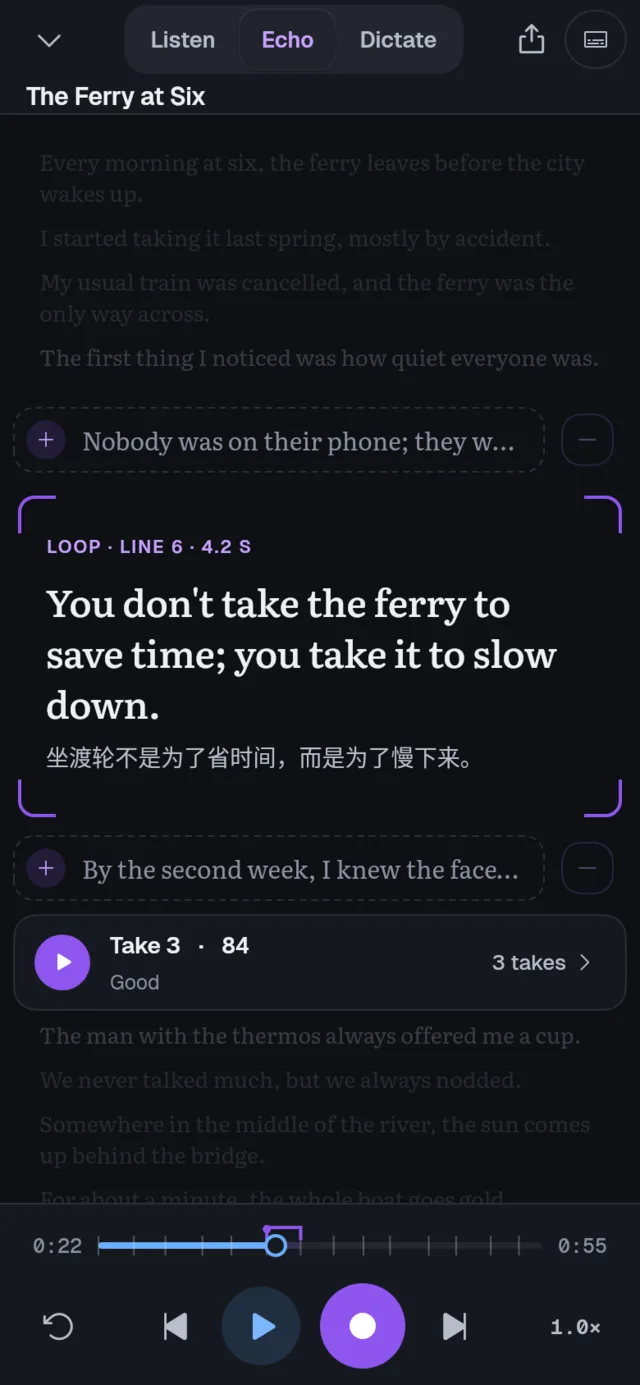
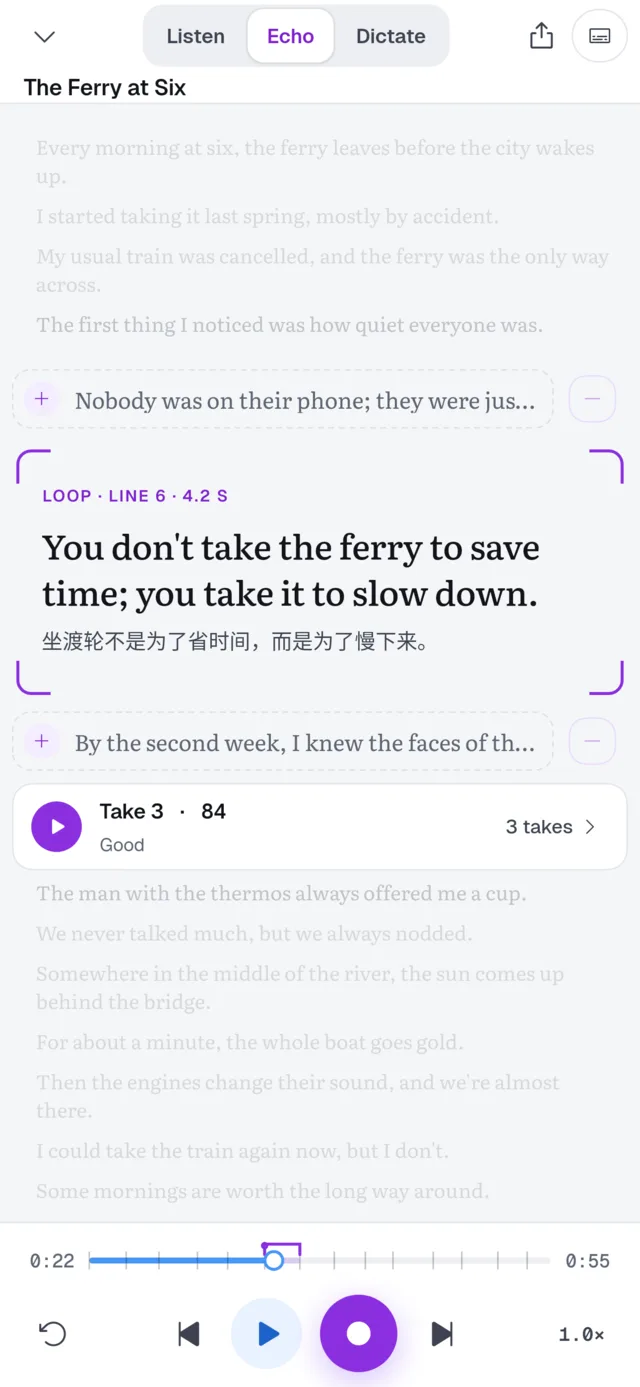
Shadow one line at a time. Record over the original, replay both, compare the pitch, and get a score for every take.
Hide the text. Words turn into shapes, so you listen first — then hover or hold a line to peek and check yourself.
Interactive transcripts
Open an MP4 or an audio file, or paste a YouTube link. Import .srt / .vtt, use YouTube captions, or let AI transcribe and align it line by line.
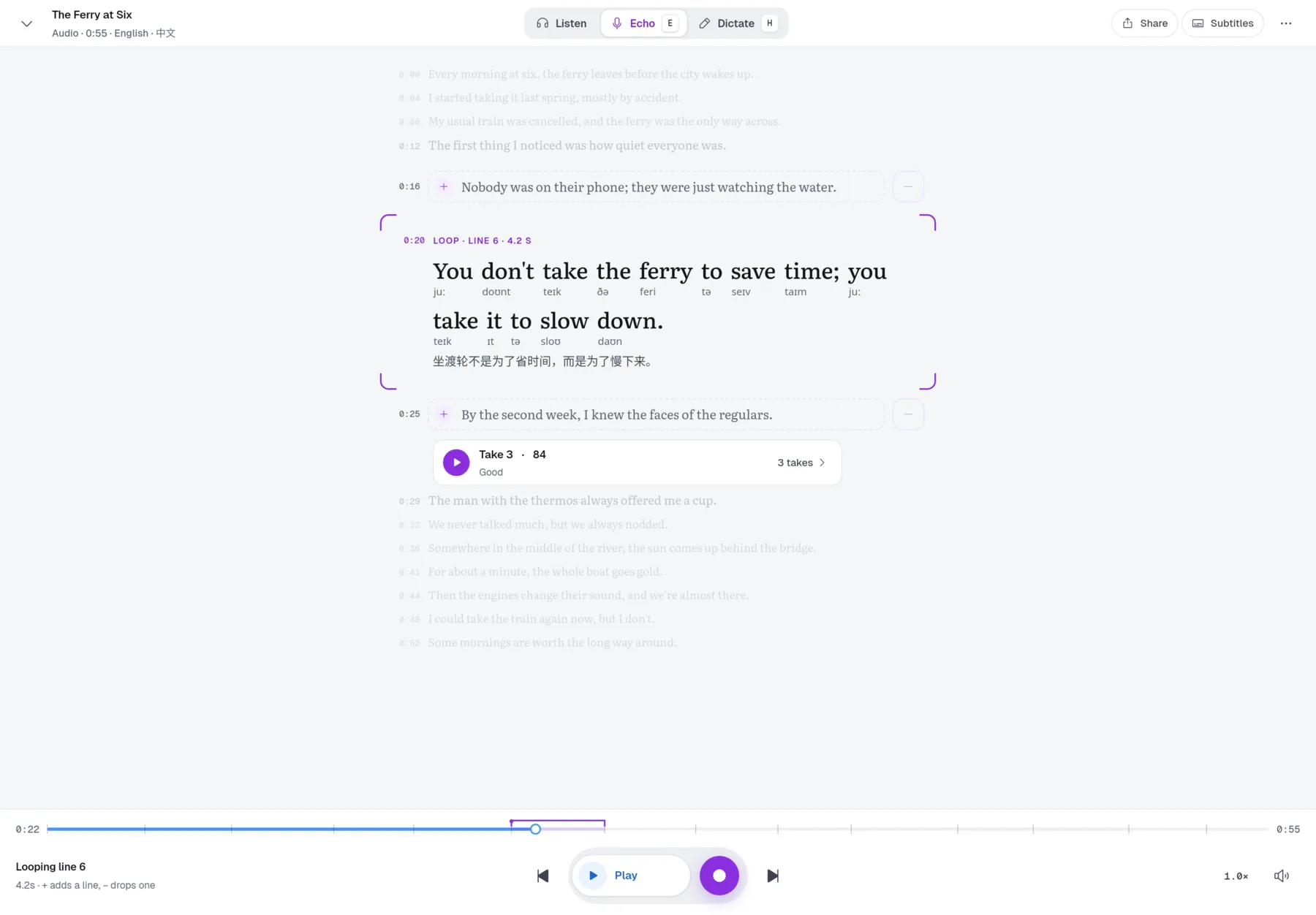
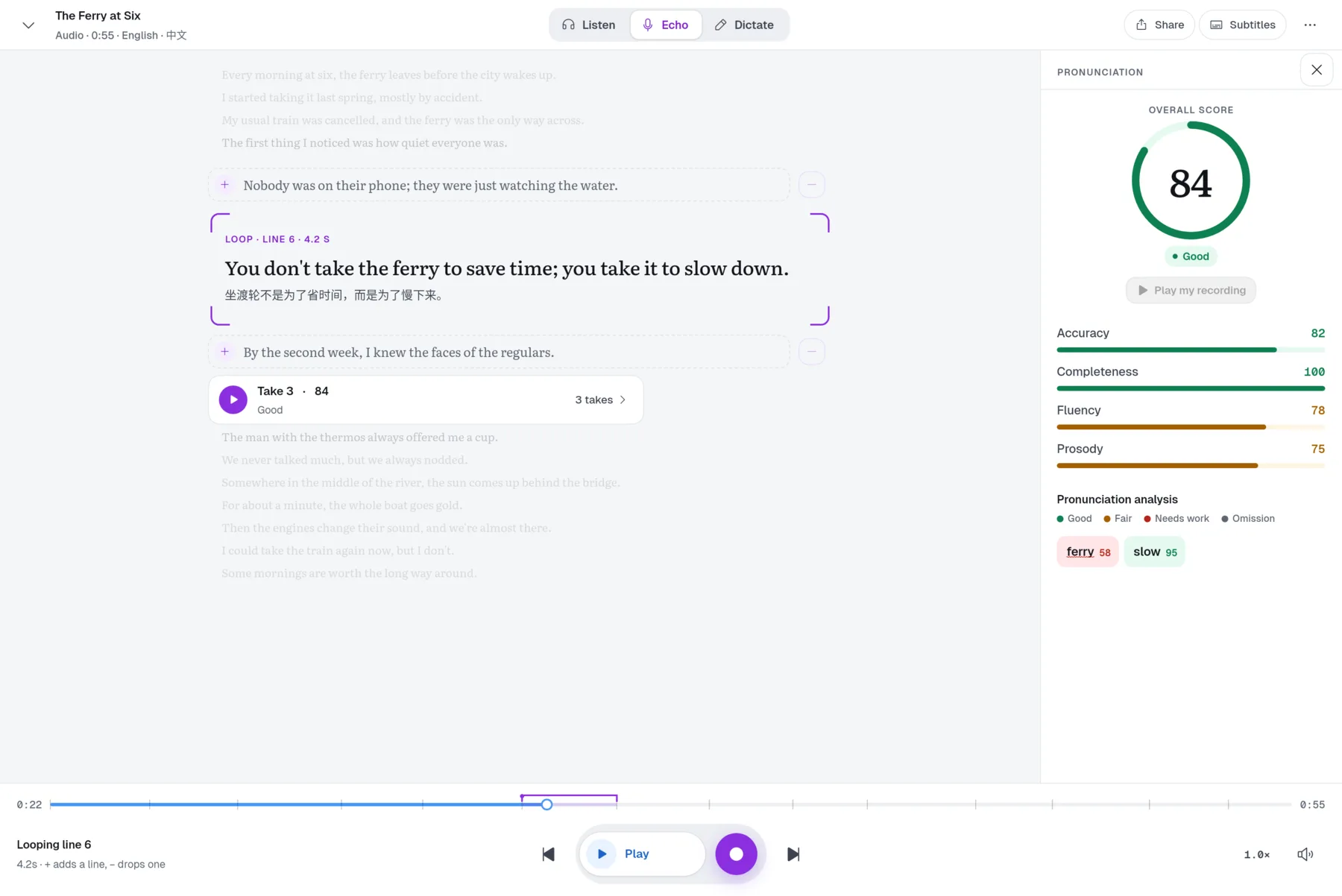
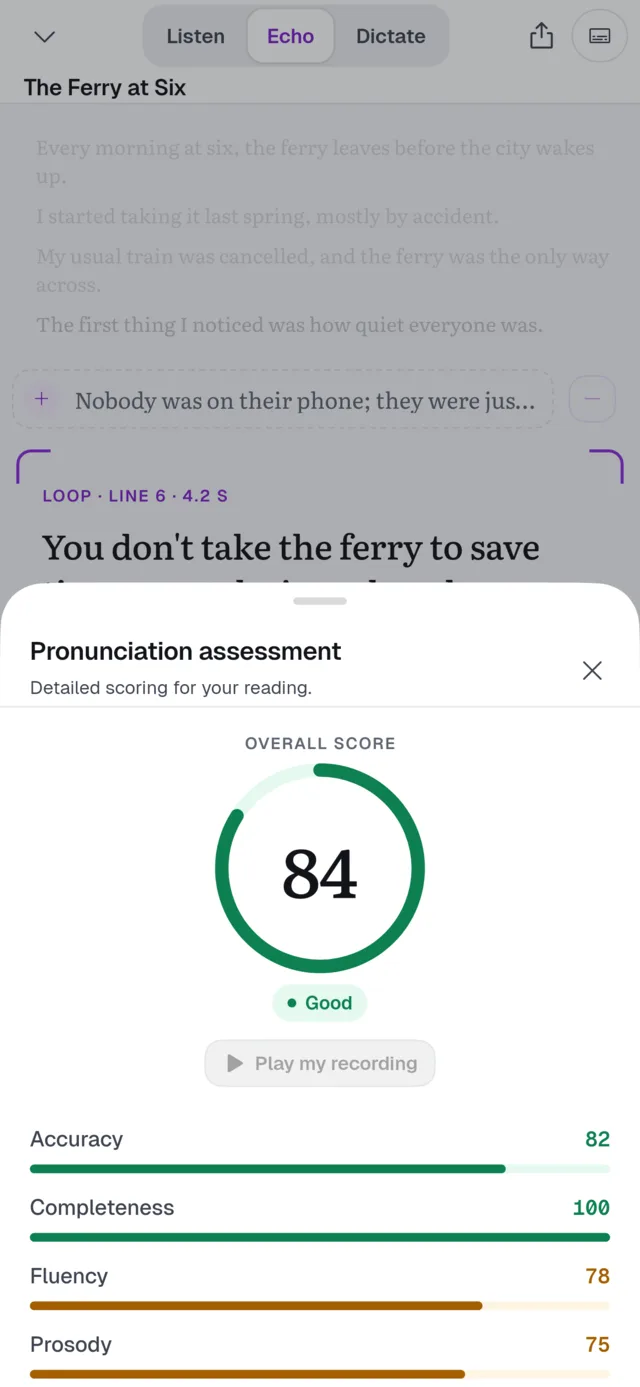
Pronunciation assessment
Every take is scored the moment you stop recording — overall, then accuracy, fluency, completeness and prosody, then every word. Tap a word to see which sound slipped.
Lookup & vocabulary
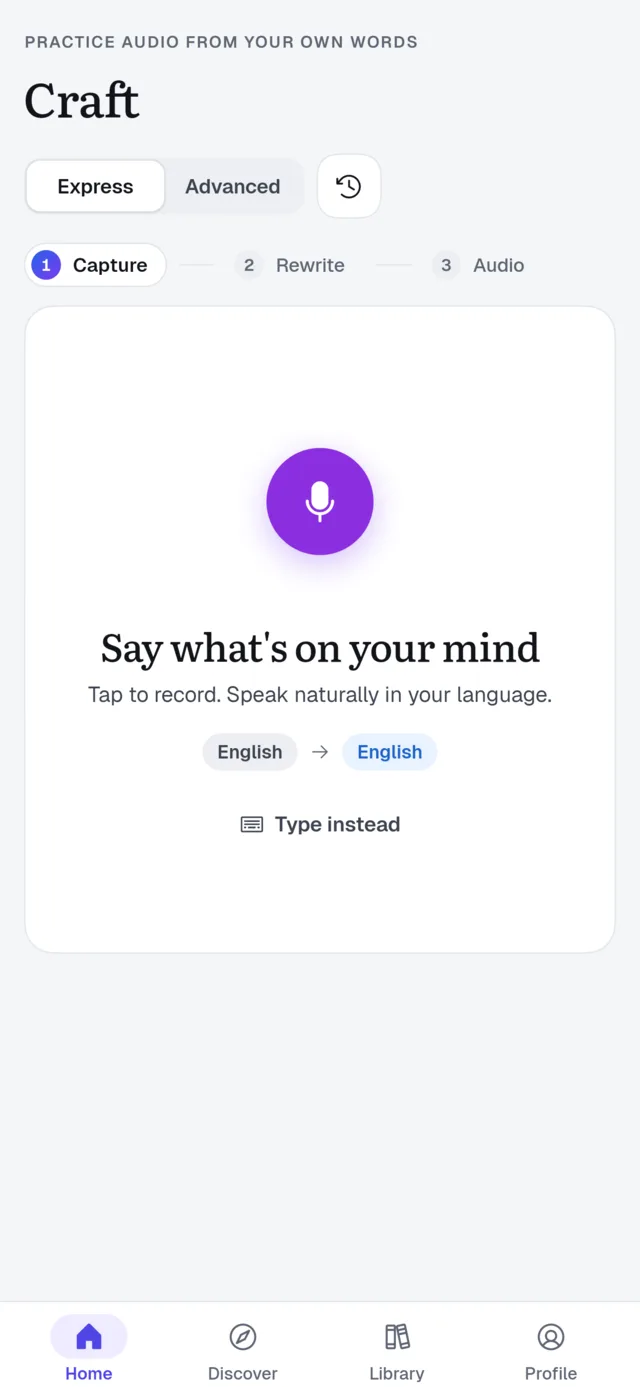
Select any word or phrase for a translation, a dictionary entry and an AI note on what it means in this scene. One tap saves it — with the line it came from — to a deck that comes back when you're about to forget.
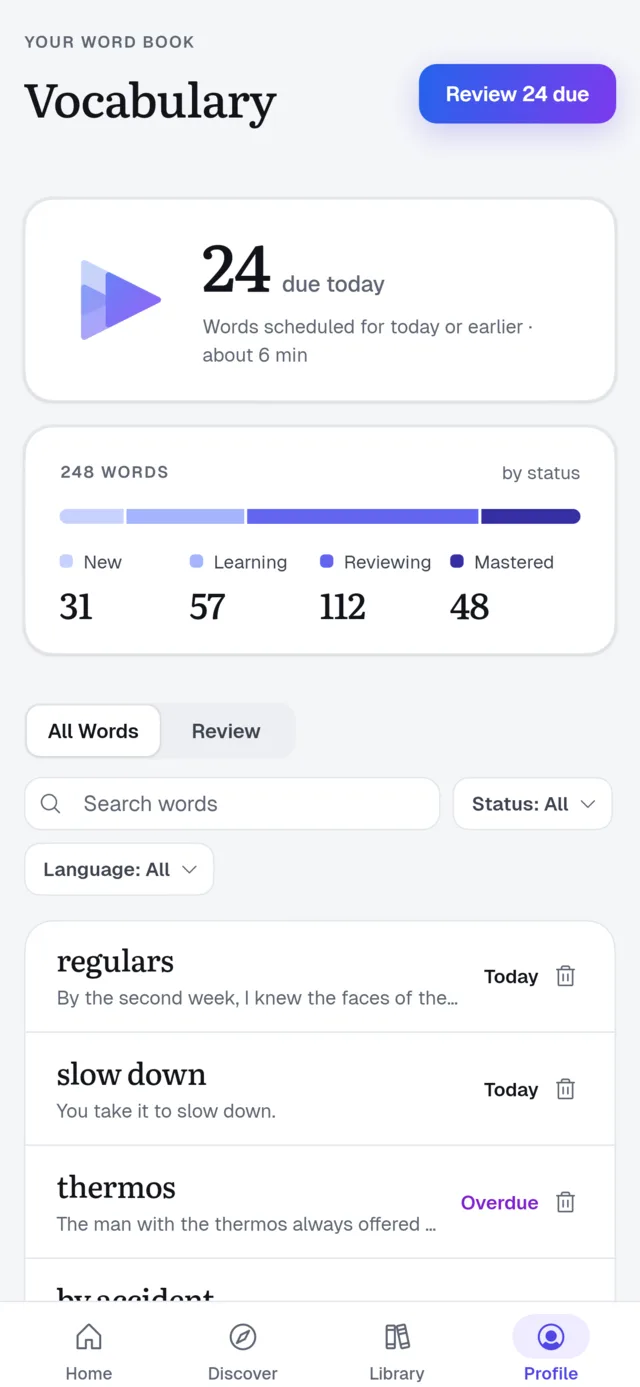
Craft
Say or type something from your day in your own language. Craft rewrites it the way a native speaker would, reads it aloud, and drops it into the player so you can shadow it like any other line.
Native on every screen
Built natively for Windows, macOS, Linux, iPhone, iPad and Android. Sign in once and your library, progress, recordings and vocabulary follow you.
Pricing
The player and every practice mode are free. Paid plans add more daily Enjoy AI credits for transcription, scoring and explanations.
Start at your own pace
$0forever
For daily learners
$1.99/ month
For serious learners
$9.99/ month
Credits are shared with Enjoy Web and Enjoy Echo. Paid plans are managed inside the app; billing options can vary by platform.
Download
Pick your platform — we've put the one you're on first.
chmod +x enjoy-player-*.AppImage
Installing the APK needs “Install unknown apps” enabled for your browser.
Install TestFlight from the App Store first, then open the invite.
Your first loop takes less than a minute. The second one is easier.